CAE - a cell for everything
A downloadable tool for Windows, macOS, and Linux
CAE - a cell for everything
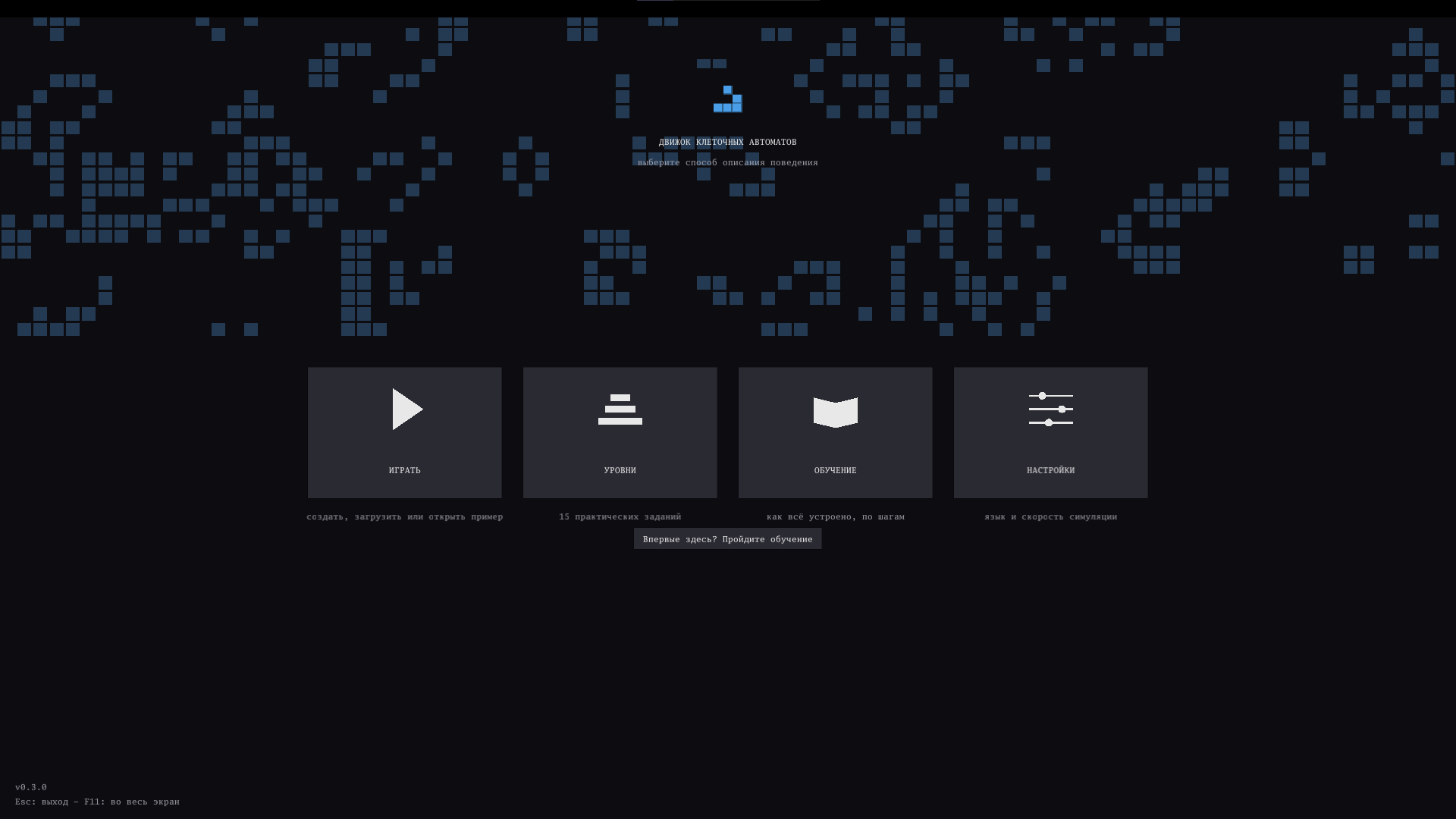
Create your own cellular automata without writing code. Paint cells, define their behavior, experiment with rules, and watch complex systems emerge from simple interactions.
The game includes two powerful rule editors designed for both beginners and advanced creators.
Visual Rule
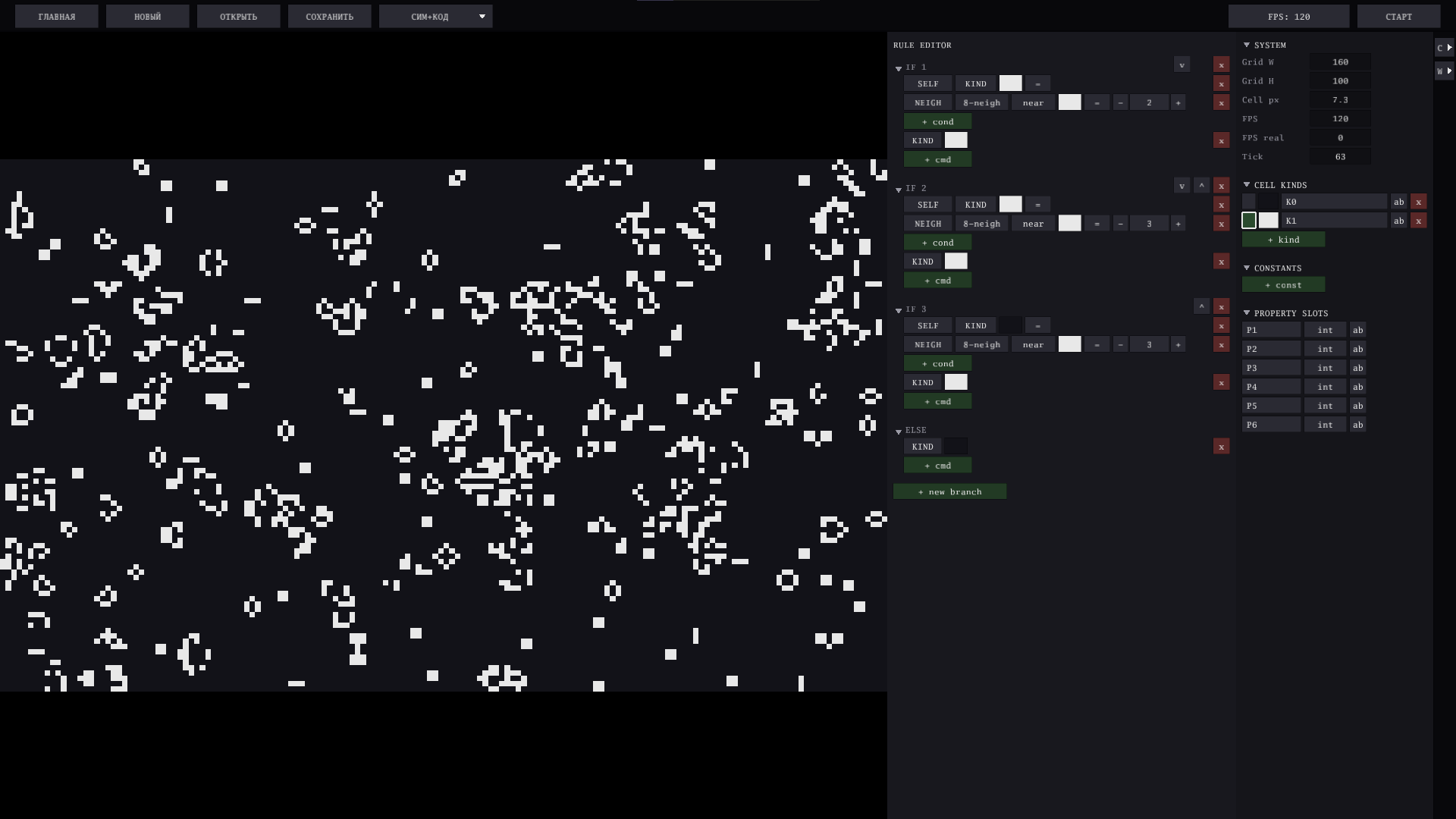
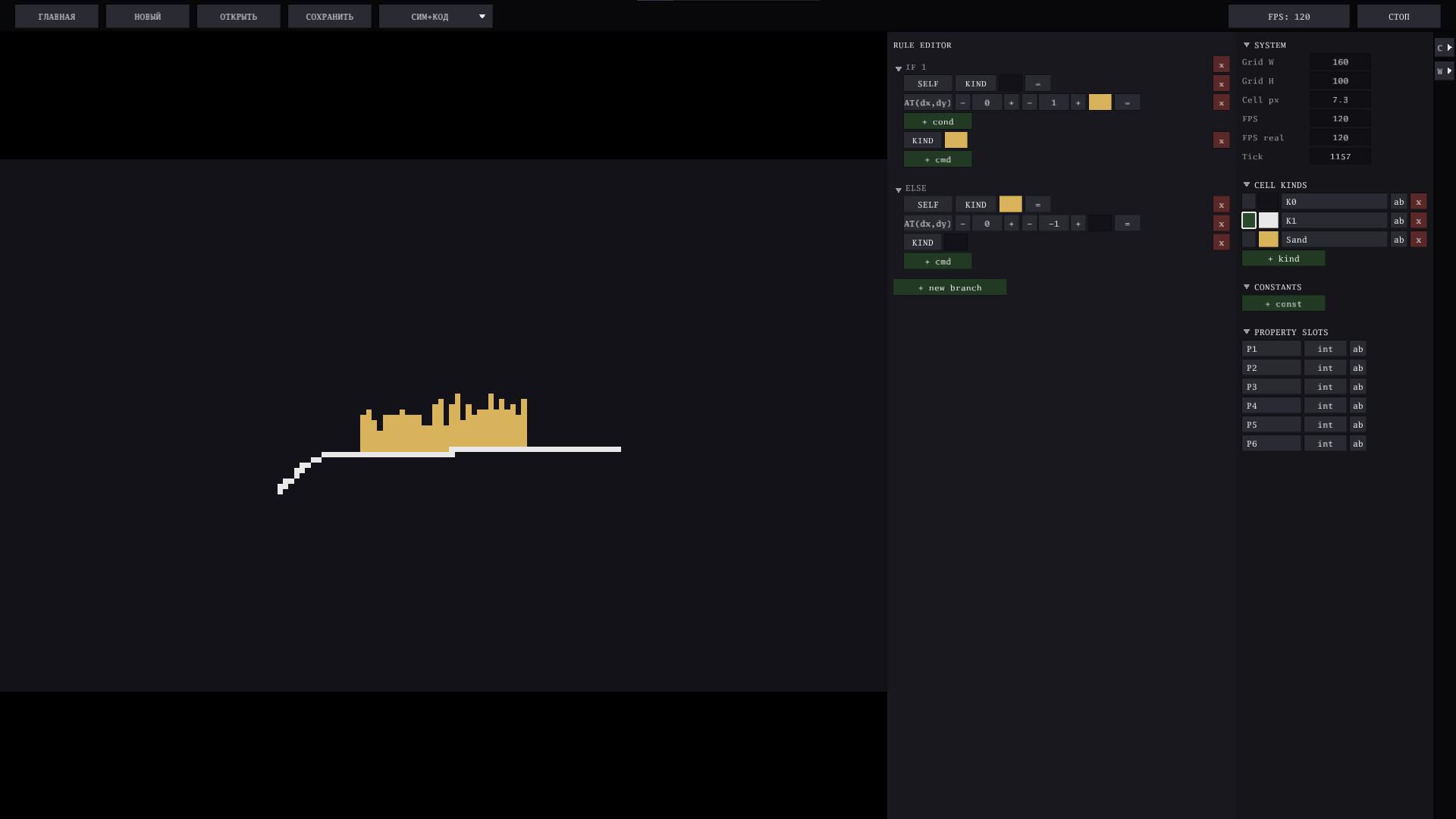
Build behavior using an intuitive visual editor. Rules are arranged as a list of IF → THEN blocks, executed from top to bottom—the first matching rule wins. Everything can be changed with simple mouse clicks or drag & drop: conditions, neighbors, numbers, actions, and more.
Perfect for quickly experimenting with new ideas without learning a scripting language.
Script
When Visual Rules are no longer enough, switch to the full scripting editor.
- Unlimited nested AND / OR / NOT conditions
- Loops: a counted REPEAT, a conditional REPEAT-IF, and BREAK to leave one early
- Return values
- Custom reusable methods, with named parameters
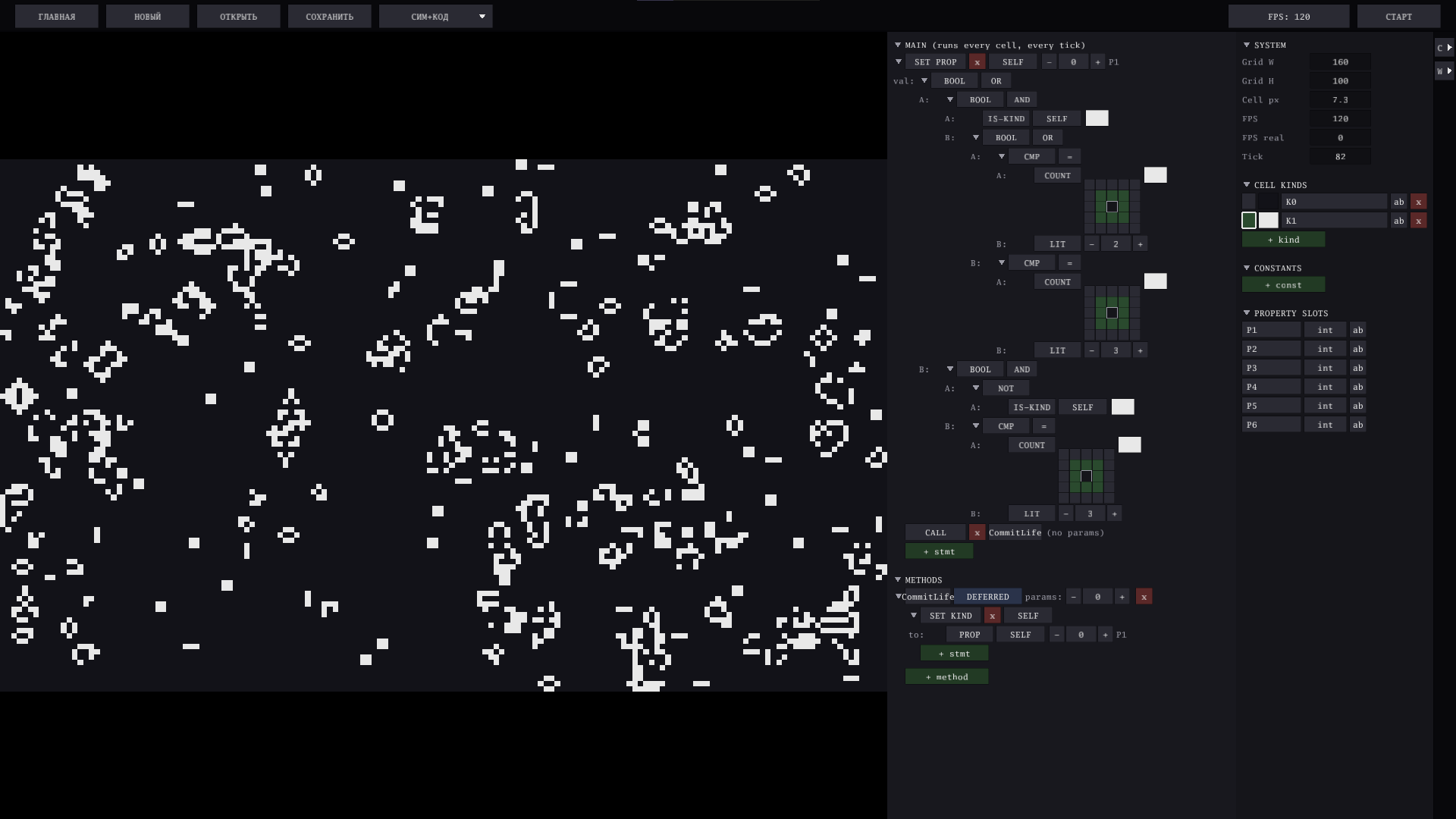
- Deferred methods that run after the whole grid has updated—the clean way to get a synchronous step
- Write to any cell on the field, not just your own
- Math, trigonometry, distance search, and per-cell colors
- SYSTEM values: ask the simulation for its speed, the current tick, the size of the world, or the on-screen size of a cell—and make a program that adapts to all of them
- Much greater flexibility for advanced automata
Challenge Levels
Instead of simply following tutorials, you'll solve programming puzzles by creating your own rules. Each level provides a clear objective and a hint shown during gameplay. Once completed, the simulation continues normally—you can keep experimenting.
Visual Rule Challenges
- 5 beginner levels
- From painting your first cells...
- ...to recreating Conway's Game of Life using only the visual editor.
Script Challenges
- 10 advanced levels
- Learn from your very first IF statement...
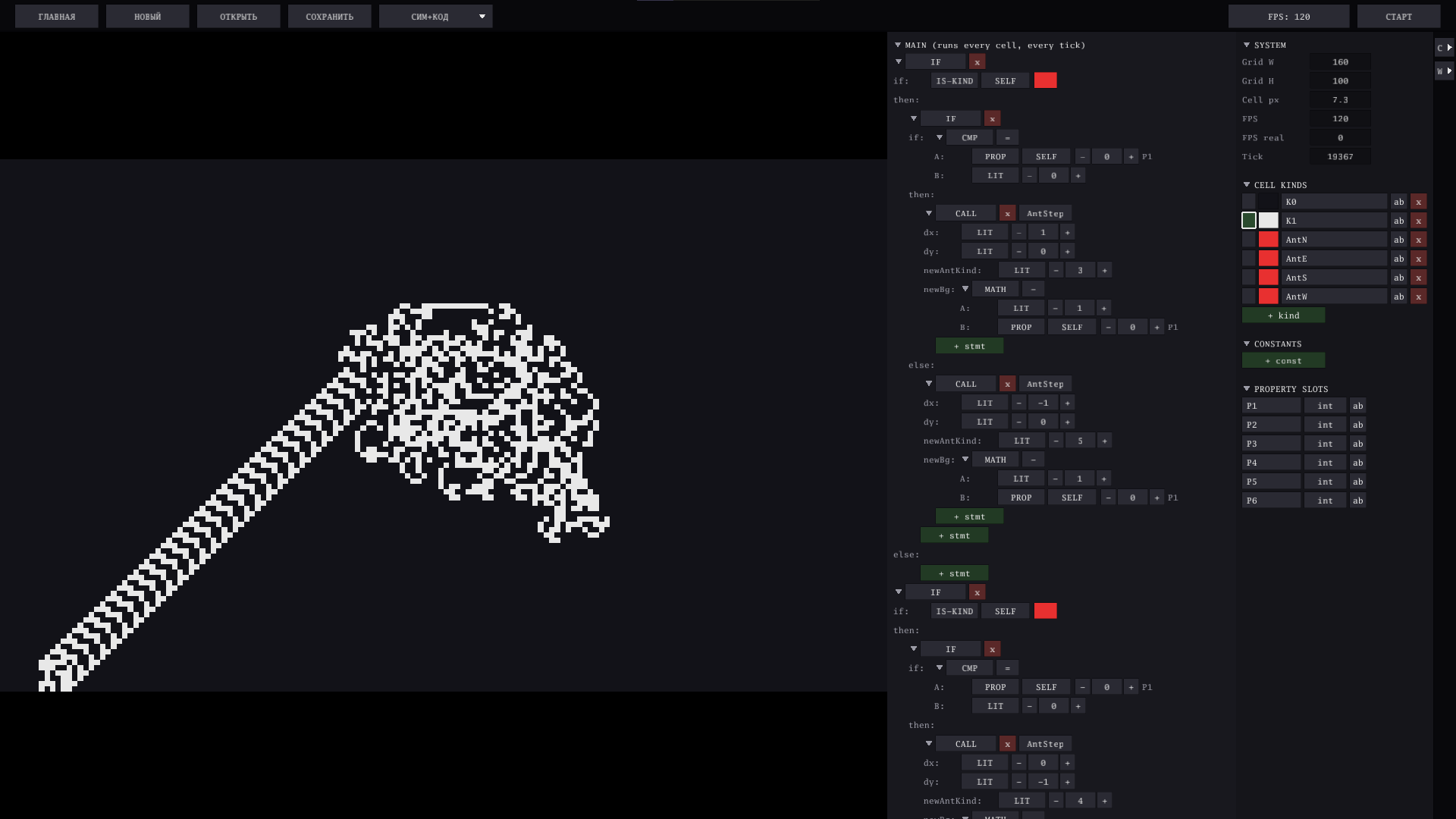
- ...to building Rule 110, Langton's Ant, explosions, Fuse mechanics, a calculator, reusable methods, and a delayed-update implementation of Conway's Life.
World Editor
The editor consists of two connected panels:
- Rule Editor — where you build your logic.
- World Manager — manage cell types, constants, custom numeric properties, and the size of the world itself.
Cell types and constants can be dragged directly into your rules, making rule creation fast and intuitive. Everything can be given a real name—no more guessing what K3 or P2 was supposed to mean—and renaming never breaks a rule you have already built.
The world is not a fixed size: type a new width or height and the grid is resized on the spot, from 40×40 for something you want to see up close to 500×300 for a pattern that needs room. New projects remember your preferred size, and a saved project keeps its own.
Both panels fold away when you need the whole window for the simulation, and any part of a program can be collapsed into a single readable line.
Simulation Speed
Speed is measured in ticks per second and set right next to the START/STOP button—type a value or nudge it with the arrow keys. It is saved with your project and restored when you open it again, so a fast-moving automaton stays fast and a delicate one stays watchable.
The world panel shows both the speed you asked for and the speed you are actually getting: when they drift apart, your automaton has grown heavier than the time it has. And if a program is so heavy that a single tick cannot finish, the field tells you so instead of quietly freezing half-updated.
Take It Back
Ctrl + Z undoes any edit to your rules and your world—a deleted branch, a removed method, a cell type you did not mean to drop. Ctrl + Shift + Z puts it back. Fifty steps deep, even on programs with thousands of nodes.
Controls
| Action | How |
|---|---|
| Paint cells | Hold Left Mouse Button |
| Erase cells | Hold Right Mouse Button |
| Select brush | Click the circle next to a cell type |
| Change cell color | Click its color square |
| Edit values inside rules | Click a value to cycle it, or click a number and type it in |
| Pick from a long list | Left-click opens the full list, right-click steps through it |
| Rename anything | Click the "ab" button in its row |
| Fold a branch or a section | Click the triangle on its left |
| Drag cell types/constants into rules | Drag from the World Manager |
| Scroll editor | Mouse Wheel (Shift + Wheel for horizontal scrolling) |
Keyboard Shortcuts
| Key | Function |
|---|---|
| Space | Play / Pause |
| N | Advance one simulation step (while paused) |
| ↑ / ↓ | Increase / decrease simulation speed (ticks per second) |
| Ctrl + Z | Undo |
| Ctrl + Shift + Z | Redo |
| Ctrl + S | Save project |
| F11 | Fullscreen |
| Backspace | Return to main menu |
| Esc | Exit |
Languages
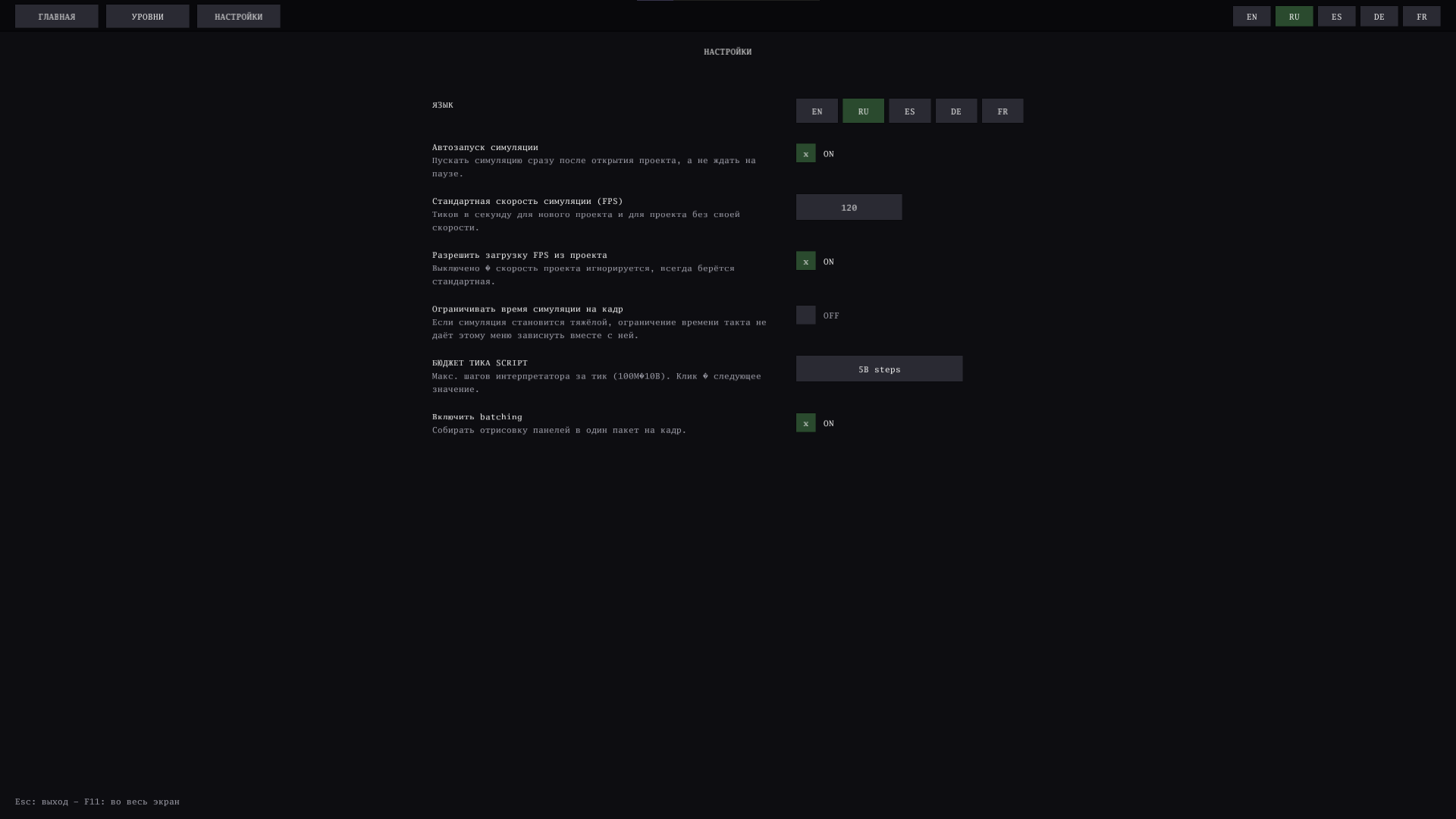
The interface language can be switched instantly from the main menu. No restart required.
🇺🇸 English • 🇷🇺 Русский • 🇪🇸 Español • 🇩🇪 Deutsch • 🇫🇷 Français
Built-in Examples
Every example ships as an ordinary project file: open it, take it apart, change it, save it as your own.
- Life, Falling Sand, Langton's Ant, Rule 110, Fuse, Explosion and a 2-bit calculator you can operate with the brush
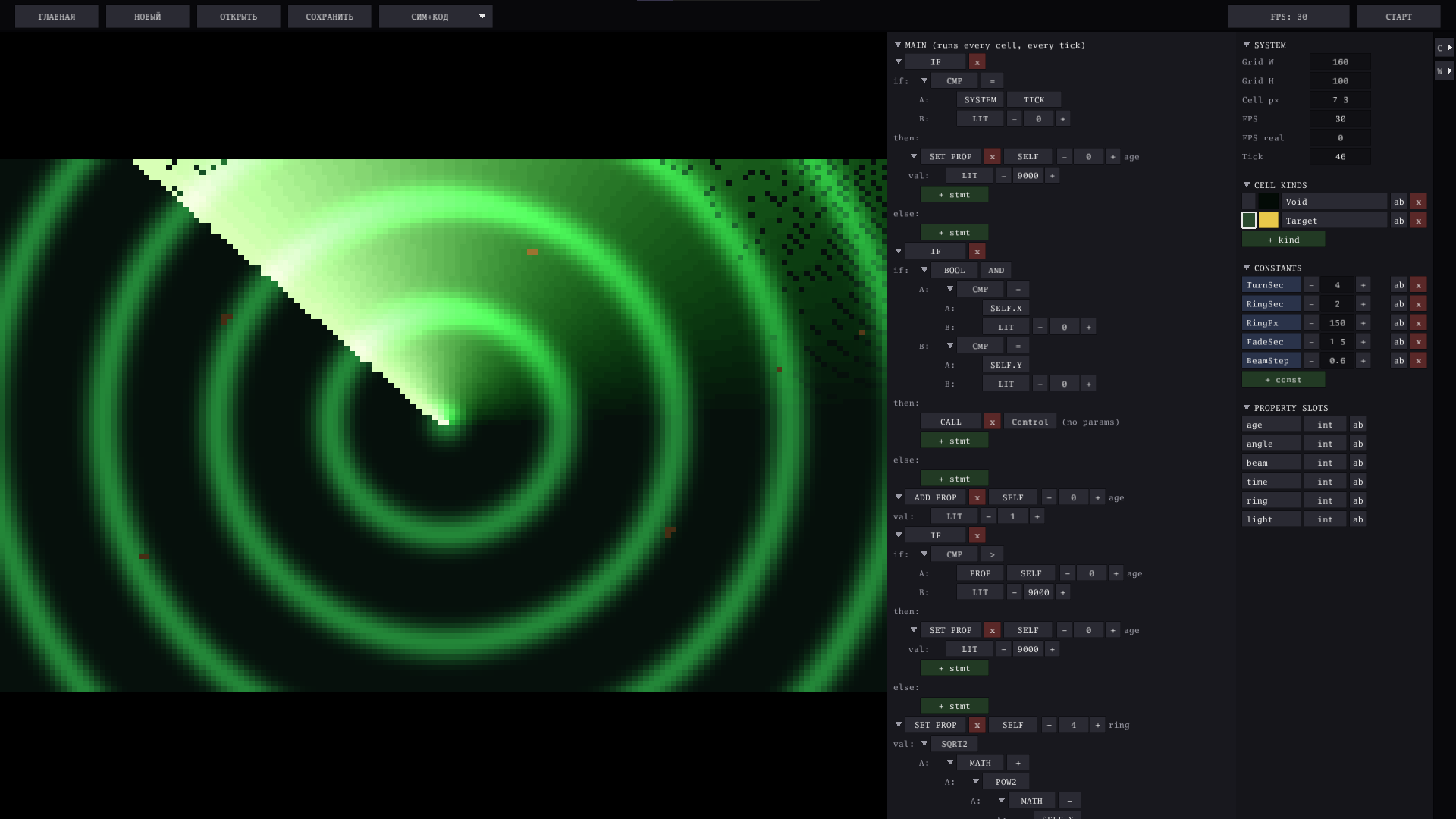
- Radar — a rotating sweep over range rings. Change the speed while it runs and the picture gets smoother, not faster; resize the world and it recentres itself on the next tick
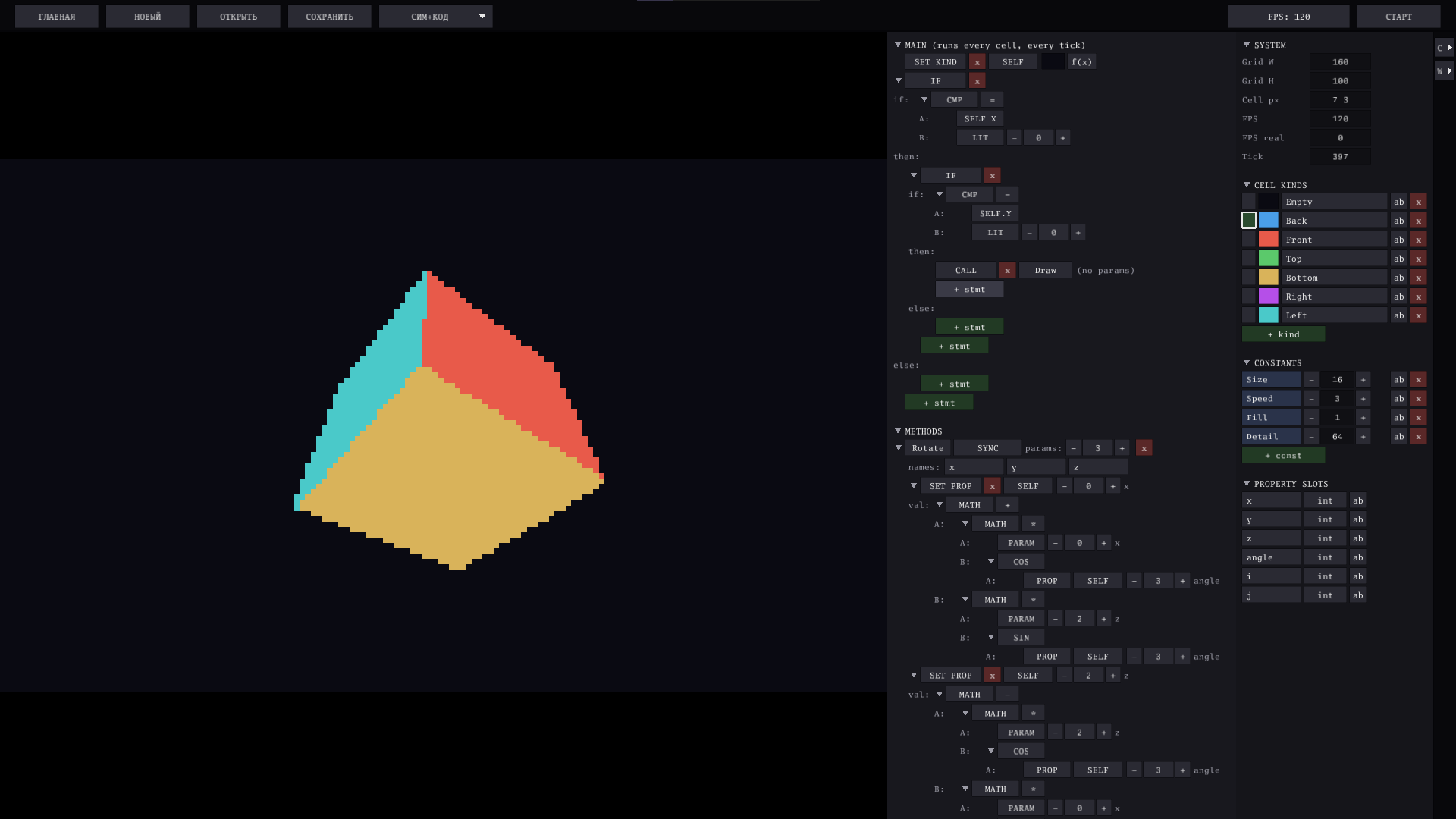
- Rotating Cube — a real 3D cube with perspective and hidden faces removed, drawn on a flat grid by the automaton itself
- QR Code — a genuine, scannable QR code: data stream, Galois field tables, Reed-Solomon correction and the zigzag layout, all computed in the engine's own language. Type your own text into the constants and watch it rebuild
Create Anything
Whether you want to build Conway's Game of Life, Rule 110, Langton's Ant, explosions, self-replicating systems, digital circuits, or completely original simulations—the editor gives you the tools to experiment, learn, and discover surprising behaviors.
Exemples
Download
Click download now to get access to the following files:
Development log
- V1.0.1-VE0.4.010 hours ago
- V1.0.0-VE0.4.011 hours ago
- v0.3.11 day ago
- V0.3.02 days ago
- V0.2.23 days ago
- V0.2.14 days ago
- v0.1.0, just files4 days ago
- V0.2.04 days ago